
Design & build a website
frontend-design · AnthropicDesign guidance for a new website or UI: choose a visual direction, typography, and layout grounded in your brief.
- Output
- Website code
- Needs
- Editable web project and a coding agent
ZIP · 11 KB · Apache-2.0
What it does
- What to bring
- A specific audience, page purpose, real content, and your project files.
- Requirements
- An AI coding tool with project-file access and the runtime needed by your web project.
- Keep in mind
- It guides a coding agent. It does not generate a Figma file or guarantee a finished production site.
Execution sample
Codex CLI · 2026-10-19 · Fictional project
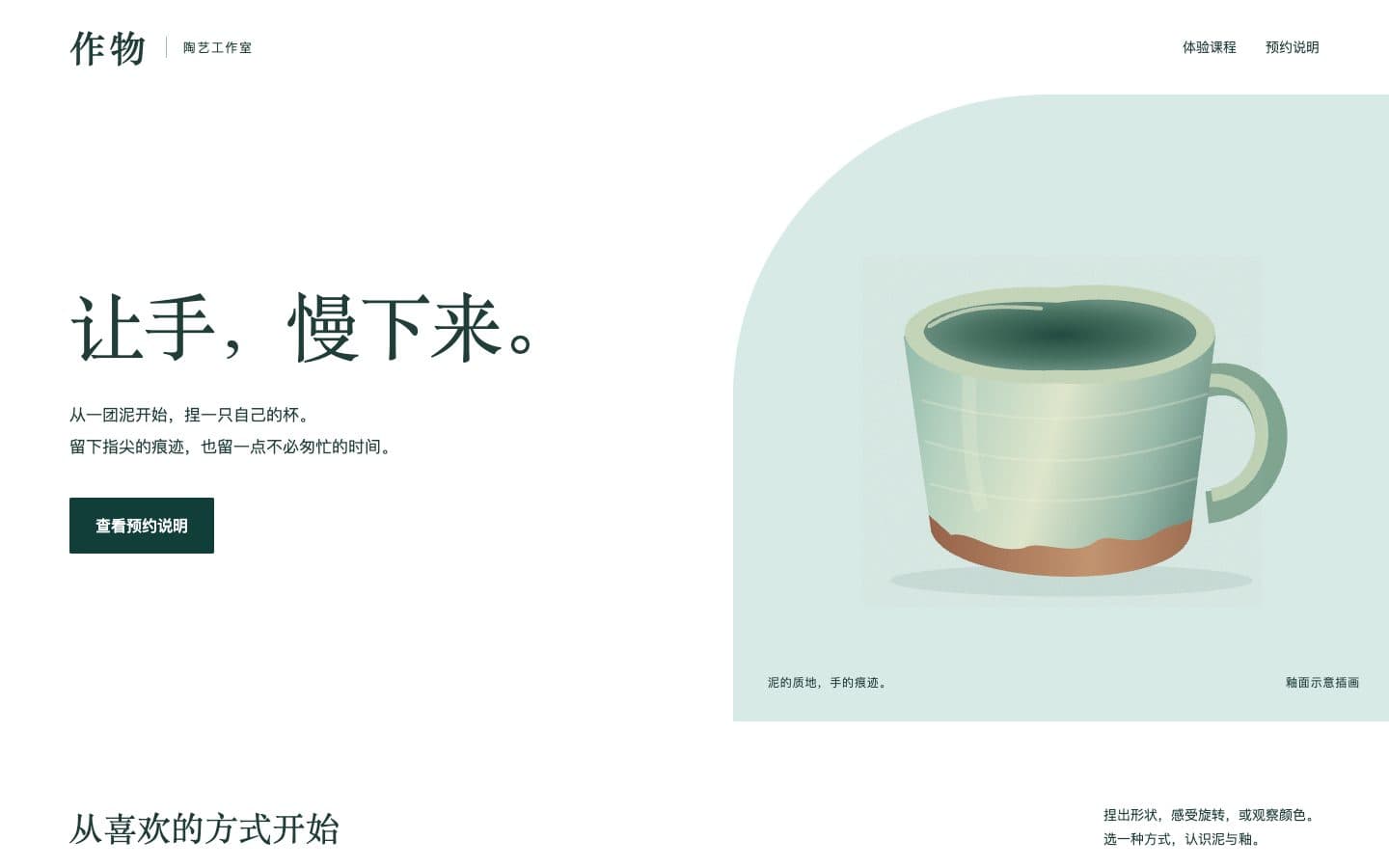
A ceramics studio homepage
Build a responsive Chinese homepage with three courses and a local booking dialog.
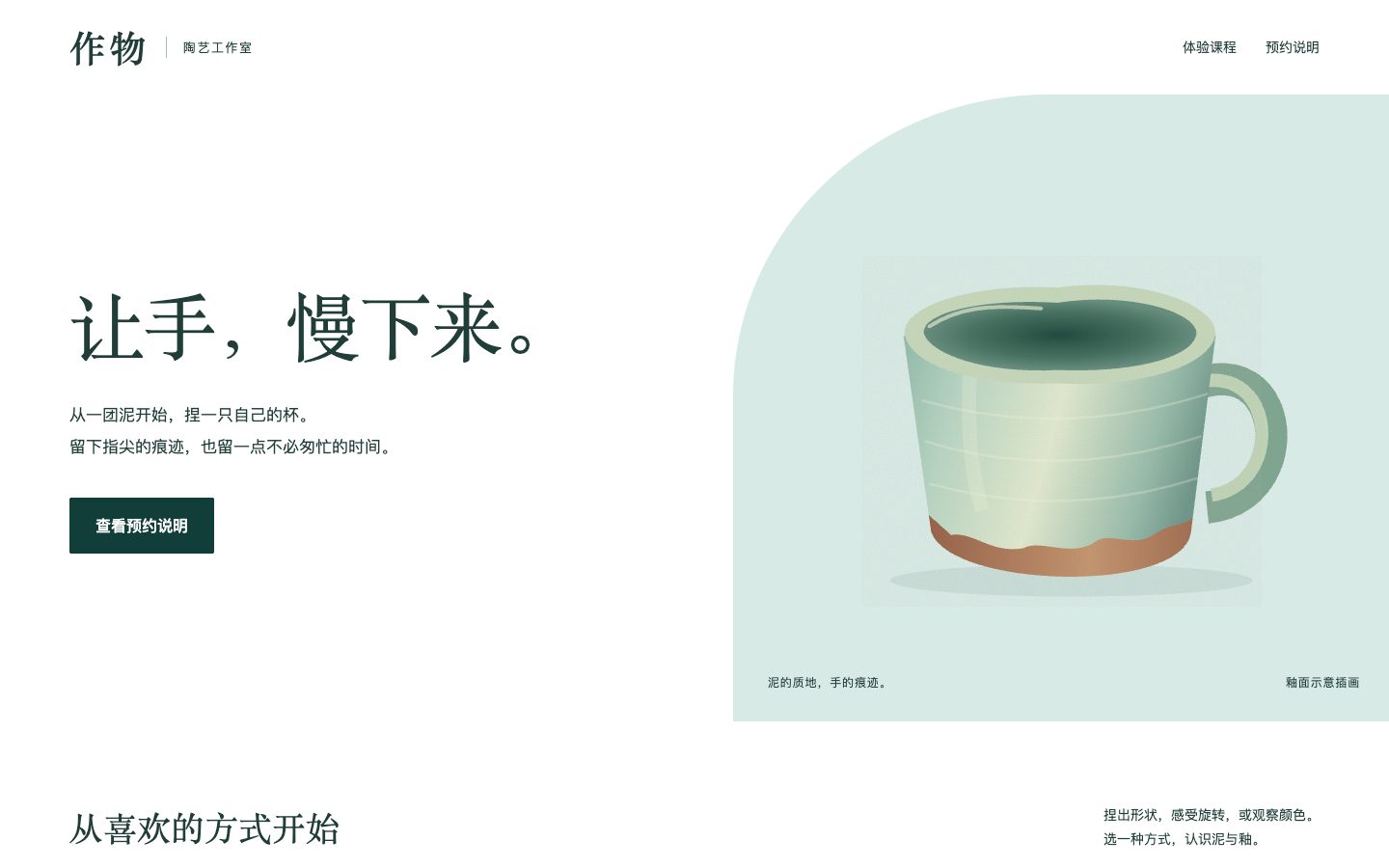
A generated HTML file with offline content and JavaScript syntax checks.
The booking flow is a demonstration. Browser interaction and mobile layout still require review.
Try a design task
Once the skill is loaded, copy the task and adapt it to your brief.
Use frontend-design to build a responsive homepage for a ceramic studio in this project. Visitors should understand the workshops and book a session. Use the existing stack. Start with a visual direction based on the studio's craft, then implement it. Include keyboard focus, a mobile layout, and a clear booking action. Do not invent reviews or booking statistics.Installation instructions
For Claude's Code / project entry; manage chat and Cowork skills in account settings.
Copy the skill folder, or use the installer
Extract the ZIP and copy the complete frontend-design folder into .claude/skills/ in your project.
Or run this command in your project terminal with Node.js / npx. It gets the author's latest version, which may differ from the download.
Read the installation docsnpx skills add anthropics/skills --skill frontend-design --agent claude-codeConfirm the skill is loaded
Reopen your tool and check that frontend-design is available. If it is missing, check the installation location in the upstream docs.
Review the result
- The first screen explains who the page is for and what to do next.
- Mobile content fits without horizontal scrolling.
- The main action works with a keyboard.